Skip to content
sunrai
  • Win the job

    • Sales Early accessFind accounts, draft openers, sort replies.
    • Design Early accessRoof layouts, strings and a plan set.

    Across every job

    • AssistantAsk anything. Approve what it proposes.

    Run the install

    • Project managementTwelve phases from sold to PTO.
    • Field appPhotos and checklists from the roof.
    • Solar CRMEvery customer, call and job on one record.
    • Storm intelligenceSee which customers a storm hit.
    Sales and Design are in early access.All products
  • By business

    • Residential solarA day at an installer, sale to PTO.
    • Commercial solarMulti-site C&I work and stakeholder reports.
    • Roofing and solarStorm follow-up and roof work, one record.

    By team

    • Small teamsName your team and invite your crew.
    • EnterpriseMany teams, with roles set per team.
    Built by people who ran the installs.All solutions
  • Help
Sign in Join the waitlist

Product

  • Sales Early access
  • Design Early access
  • Project management
  • Field app
  • Solar CRM
  • Storm intelligence
  • Assistant
  • All products

Solutions

  • Residential solar
  • Commercial solar
  • Roofing and solar
  • Small teams
  • Enterprise
  • All solutions
  • Help
  • Sign in
Join the waitlist Book a demo

Built for the roof. Run from the office.

Crews file the required photos from SunrAI Field. The office sees each one land on the job, the task unlocks, and the phase follows the tasks.

Join the waitlist Book a demo

SunrAI Field runs on iOS and Android.

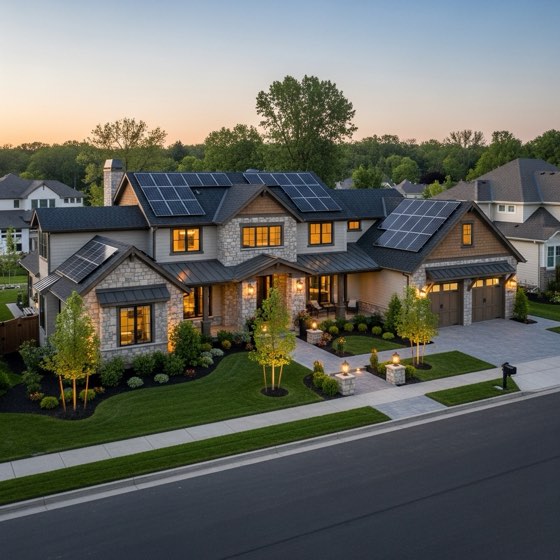
Sample photo: a house roof with solar arrays
Projects/Mendoza · 8.4 kWTakeoffDK
SaleTakeoff · 2 of 12Service
Site assessmentFive required photos
3 of 5
Filed from SunrAI FieldMark task done

Activity

9:41
Roof overview

Site assessment · Mendoza

Required
3 of 5 filed
Sample data

Illustration: a crew member photographs the roof with SunrAI Field. The photo lands in the office view of the Mendoza project, the site assessment reaches five of five required photos, the task is marked done, and the project moves from Takeoff to Design as the phase follows the tasks.

No photo, no checkmark.

Every phase knows which photos it needs. Takeoff needs five before the site assessment can close, and Construction needs them on the key tasks.

If one is missing, the task stays open and the phase stays put. The blocking message names what is missing, so everyone can see why.

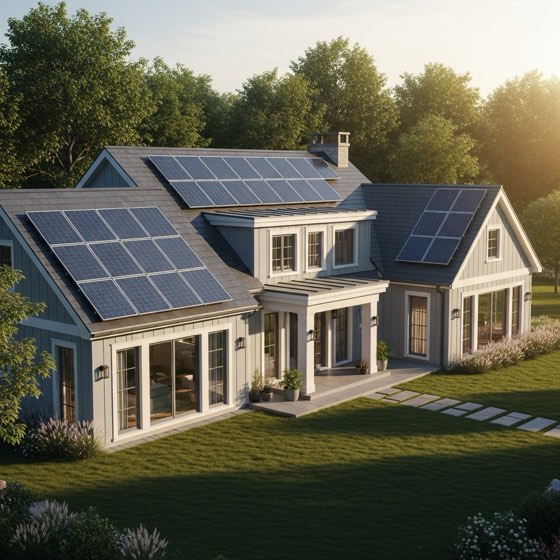
Sample photo: the front of a house with solar panels
Site assessment · required photos5 of 5
Roof overviewMarcus · SunrAI Field
9:41 AM
Property frontMarcus · SunrAI Field
9:42 AM
Electrical panelMarcus · SunrAI Field
9:15 AM
Electrical meterMarcus · SunrAI Field
9:18 AM
AtticMarcus · SunrAI Field
9:21 AM
All required photos are filed. This task can be marked done.

An assistant that knows the job. It asks first.

Ask about any project in plain English. It reads the tasks, files, photos and messages, then proposes the change it would make.

Approval is by default: nothing changes until a person approves it. Every approval is logged, and task changes can be undone for 24 hours.

Approve it, then undo it. Sample data.

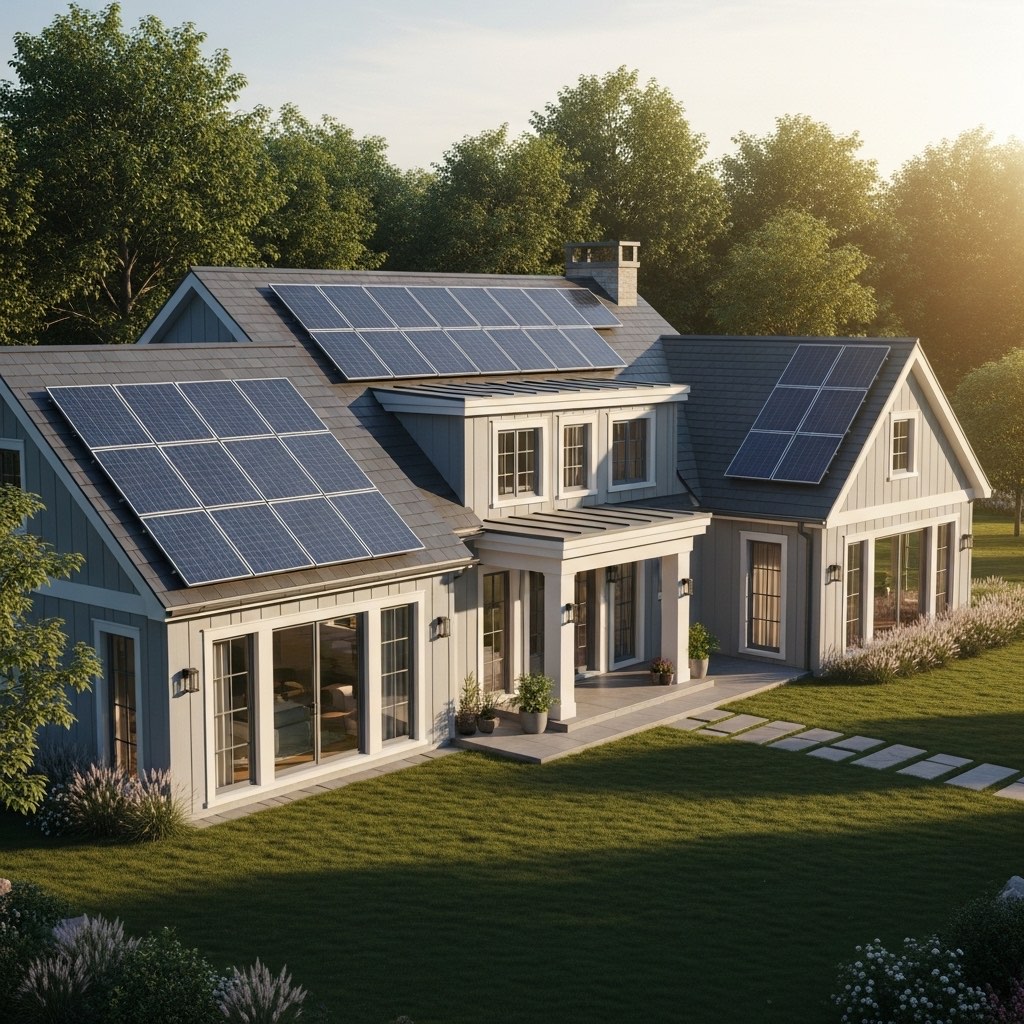
Sample photo: a house roof with solar arrays
What can we close from this morning's photos?
Assistant

One task has every required photo filed:

  • Haddad · 8.0 kW — Site assessment, 5 of 5. Priya filed the last one, Attic, at 9:07 AM.
  • Kowalski · 6.4 kW — the site visit is Wednesday, so nothing to close yet.
Proposed changeWaiting for approval

Mark Site assessment done on Haddad · 8.0 kW

Site assessmentTo doDone

Phase follows the tasks: Haddad moves from Takeoff to Design.

Offline on the roof. Synced in the truck.

SunrAI Field runs on iOS and Android. Photos, checklists and time entries save on the phone when there's no signal and sync the moment the crew is back in range.
No signal. 3 photos saved on the phone.

Sample photo: the front of a house with solar panels
4:12
Racking

Okafor · 9.6 kW · Construction

Offline — 3 photos waiting to sync
Clocked in · 7:52 AM

A note from the team

We built SunrAI after nearly 2,000 residential installs across the Midwest. Jobs rarely died at the sale. They stalled in the gaps between phases: the photo nobody took, the permit nobody chased, the PTO nobody followed up on.

So we put the whole job on one record, gave the crew an app that works on the roof, and added an assistant that does the busywork and, by default, waits for a person's yes.

The SunrAI team · Chicago, founded 2025

What the photos unlock.

  • Project managementTwelve phases from Sale to Service. A job sits in the earliest phase that still has required tasks open.
  • AssistantAsk about any project. It proposes the change and, by default, waits for your approval.
  • Design Early accessLay out the system from the address, then link the design to its lead and project.

Bring your next job into SunrAI.

Put the crew's photos on the job the moment they're taken.

Join the waitlist Book a demo
sunrai

The install ops platform for solar teams.
Founded in 2025 in Chicago.

Product
  • Sales
  • Design
  • Project management
  • Field app
  • Solar CRM
  • Storm intelligence
  • Assistant
Solutions
  • Residential solar
  • Commercial solar
  • Roofing and solar
  • Small teams
  • Enterprise
Company
  • About
  • Team
  • Resources
  • Help
Contact
  • hello@sunrai.ai
  • Book a demo
  • Privacy
  • Terms
© 2026 SunrAINames, places and projects on this site are sample data.